
Subscription fatigue is real. Every week there seems to be another app asking for a monthly fee. But what if you could ditch many of those subscriptions and still get professional-level smartphone apps? That’s where open-source Android apps come in: no paywall, full control, clear code, and great features.
Here are five standout open-source Android apps that show you don’t always have to pay.
1. Bitwarden – Free Password Manager
Link: bitwarden.com
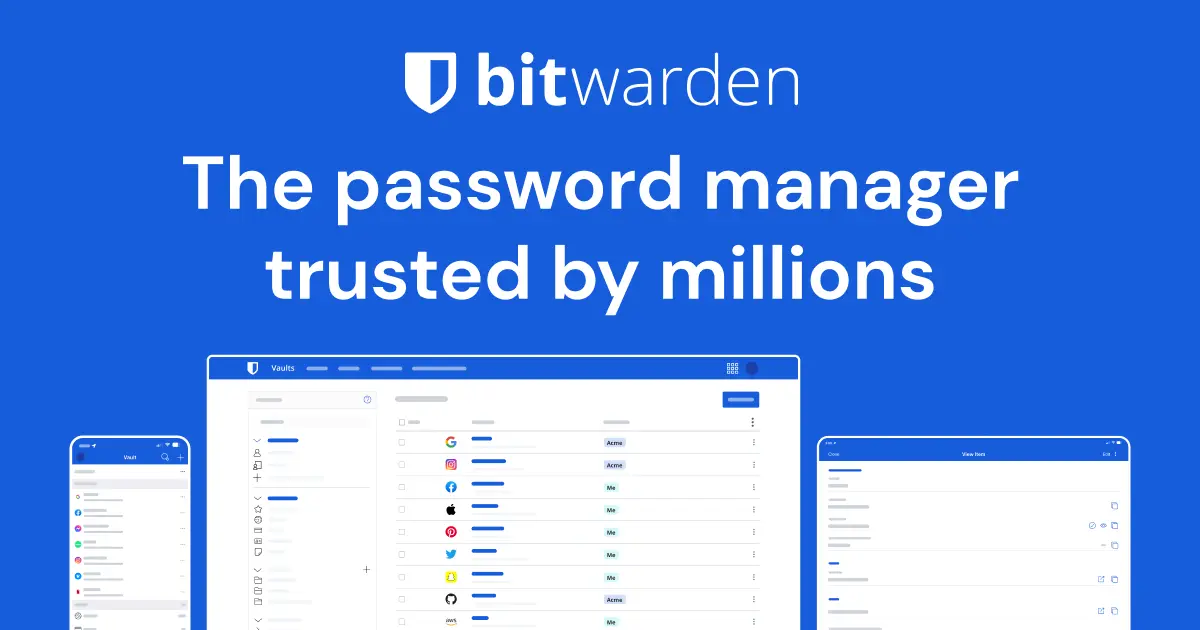
Open-source, cross-platform, and very secure, Bitwarden is an excellent alternative to paid password managers. It offers unlimited password entries, autofill, strong encryption, and you control your data.
It was even highlighted by reviewers as “the best password manager” among open-source options. How-To Geek+2It's FOSS+2
If you’re paying for a password manager subscription right now, Bitwarden can probably replace it safely.
2. Brave Browser – Privacy-First Web Browsing
Link: brave.com
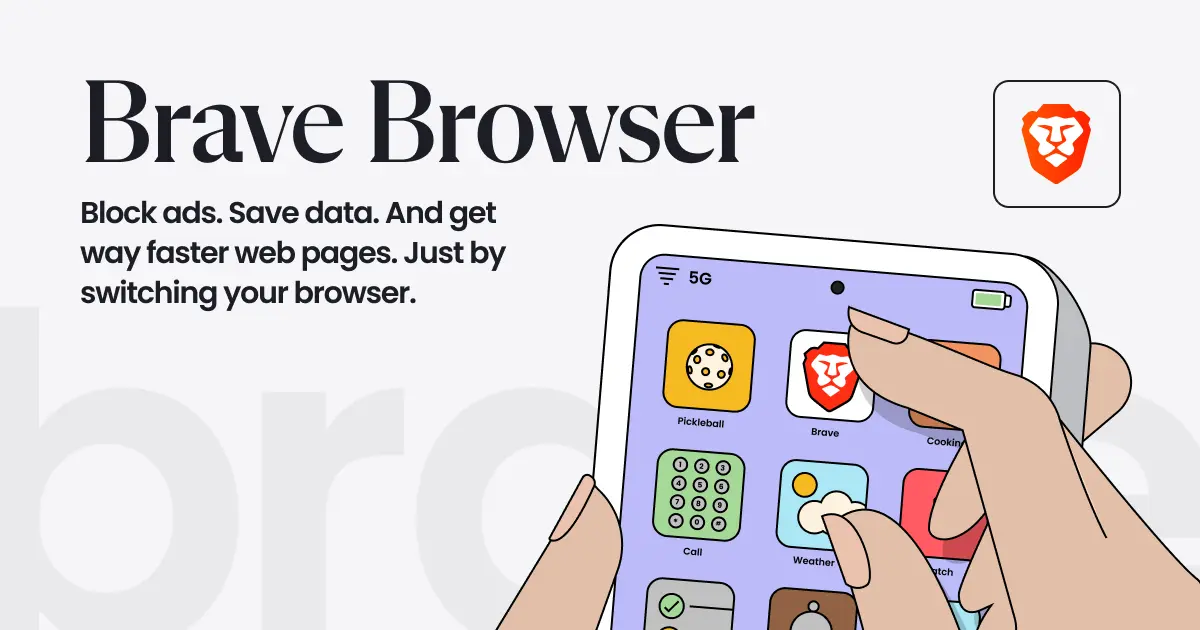
Brave is open-source, blocks trackers and ads by default, has built-in privacy features, and still delivers fast performance.
It’s cited as a strong alternative to mainstream browsers in open-source lists. How-To Geek
If you pay for a premium browser or privacy add-on today, Brave might remove that need.
3. OsmAnd – Offline Maps & Navigation
Link: osmand.net
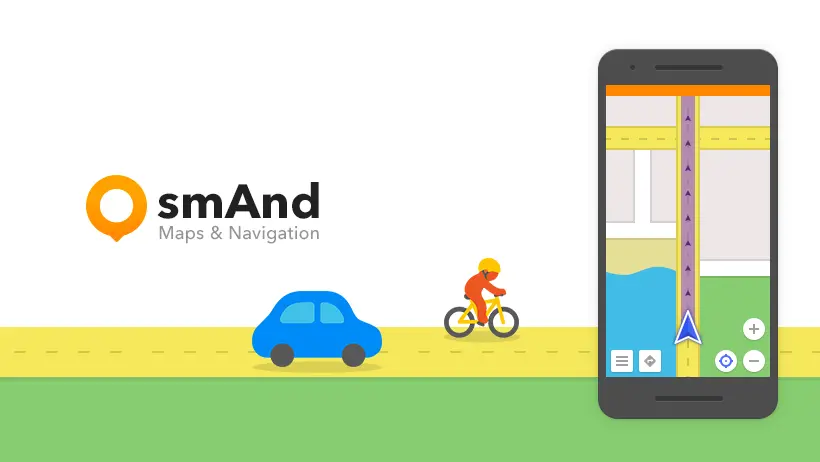
Navigation apps often push you into subscriptions for offline maps, voice navigation, and live traffic. OsmAnd offers a truly open-source mapping solution using OpenStreetMap data, including turn-by-turn navigation, offline mode, and privacy-respecting features. Wikipedia
Switching to OsmAnd can eliminate the need for paid navigation or premium map subscriptions.
4. K‑9 Mail – Open-Source Email Client
Link: k9mail.app
Most people just use the built-in email app or pay for enhanced features. K-9 Mail is a long-standing open-source client that supports IMAP, POP3, IDLE, strong security features and no subscription fees. Wikipedia
Great choice if you use email heavily and don’t want to lock into a paid service.
5. AdAway – Open Ad-Blocker for Android
Link: adaway.org
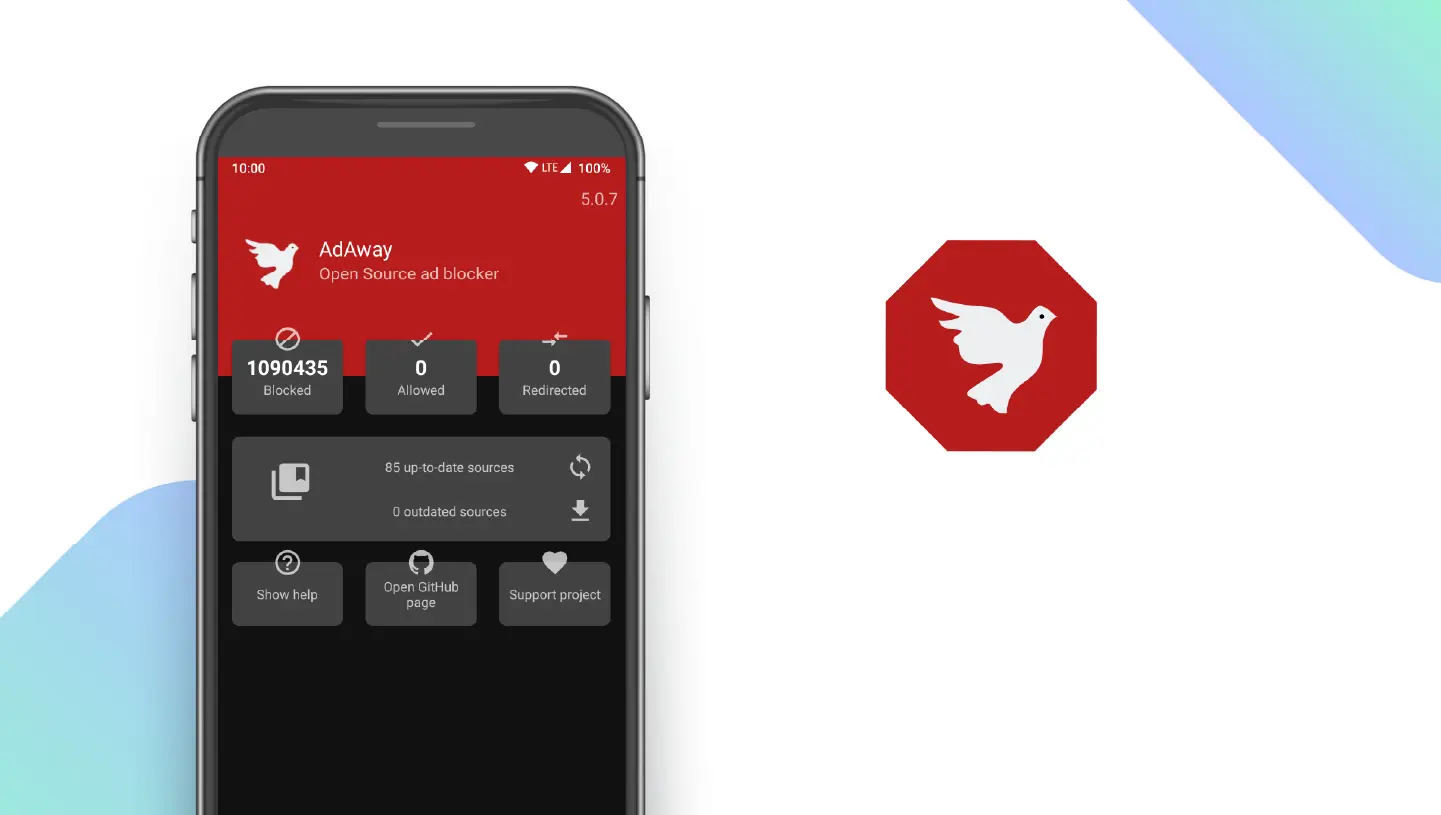
Ads can be intrusive and many premium ad-blocking tools also ask for subscriptions. AdAway is open-source, uses host-file blocking or local VPN, and gives you control over which domains are blocked. Wikipedia
If you’re paying for ad-blocking or “premium browsing experience”, this app can save you money and improve privacy.
Why These Apps Matter
Control your data & privacy: Open-source means you can inspect how the app works.
No recurring cost: Many subscriptions add up; these apps help eliminate that.
Community trust & longevity: Many of these projects are actively developed and maintained.
Full-featured alternatives: They don’t cut major features just because they’re free.
How to Get Started
Choose the category you’re most frustrated with (password manager, ad-blocker, navigation, etc.).
Install the open-source app and test it for a week.
Compare features with what you currently pay for.
Cancel the paid subscription if the open-source app meets your needs.
Optionally, support the project with a donation if you find it valuable.
Final Thoughts
Subscriptions aren’t bad by themselves, but when free and open-source alternatives are available, it’s worth asking: “Why am I paying?”
Using open-source apps doesn’t mean compromise. It often means more control, better privacy, and lower cost all aligned with the mission of Way of Tech to make tech understandable, affordable, and user-centric.
